Millions of people can't really use their television. Voices are too faint, hands don't work the way the remote expects, menus assume you can see and read them easily. I spent a year on a concept where you just talk to it instead.
This is my own concept project. It isn't affiliated with Sky, and nobody asked me to make it.
The whole thing running, start to finish. The rest of this page is how it got there.
People with speech differences and strong accents feel shut out by voice controls on TV. It mishears them, they don't know where the help settings are, and they end up asking someone else to do it for them. That's the sentence I wrote at the start and kept coming back to.
Before designing anything I used the thing as it is, and wrote down every place it broke. Five kept recurring.
For a lot of disabled viewers the television isn't entertainment, it's company and routine and a window out. I met people who needed a carer or a lot of patience just to change the channel. These five shaped everything after.
"I want programmes to play one after the other, so I can watch through the night without help."
"I love that I can go straight to something I've pre-picked and know it'll be something I like."
"Audio Description shouldn't be a privilege, it's a right."
"It's difficult to watch TV as a family because we all have different needs."
"I can't speak or use the remote, so my Dad helps me every time I want to watch the big TV."
"Why are there so many options?" · "Show me cartoons!" · "It's not listening!" · "This is very slow."
I hope I don't press the wrong button. Will it understand my voice? This should be as easy as talking to a friend.
Held the remote carefully, got lost in menus, tried voice quietly, gave up quickly when stuck.
Frustrated. Anxious about getting it wrong. Relieved when something finally worked.
Every quote and behaviour from those five visits went onto its own note. I grouped them without deciding the headings first, and let five clusters form on their own. How heavy each cluster was is what set my priorities.
"It never gets my accent." Four of the five had given up on voice search entirely. The system fails, and the person blames themselves.
"I didn't know voice existed." Settings sit four levels down. If you can't find it, it may as well not be there.
"I don't want to break it." People wait for family before trying anything. So when it corrects you, it has to teach, not tell you off.
"It forgets me every time." The same setup, every single session. Remembering someone is what earns their trust.
"We leave it as it is, for everyone." A household shares one TV, and everyone in it needs something different.
Someone with a physical or speech impairment should be able to find and watch what they want on their own, without asking anyone for help. I mapped one persona across seven questions: what they do, see, say, hear, think and feel. That gave me something concrete to check every decision against.
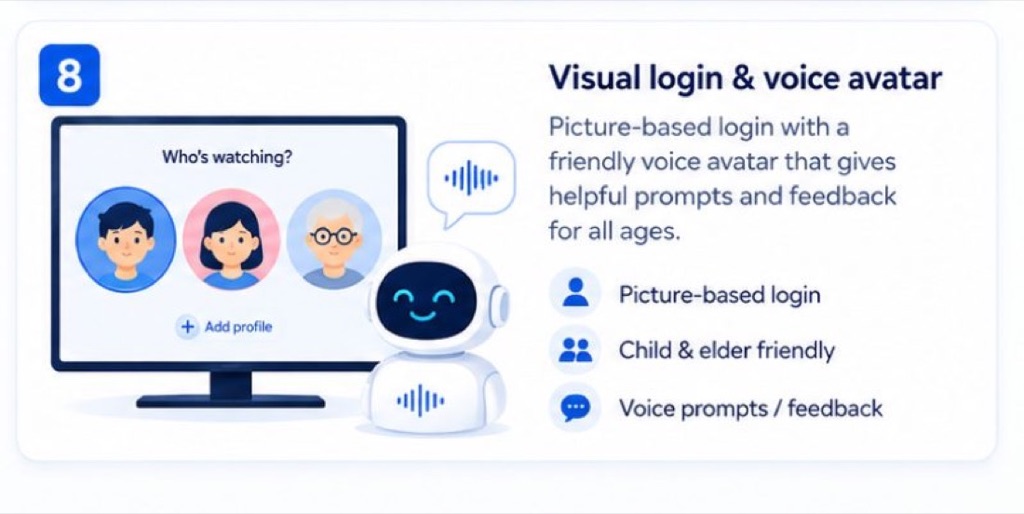
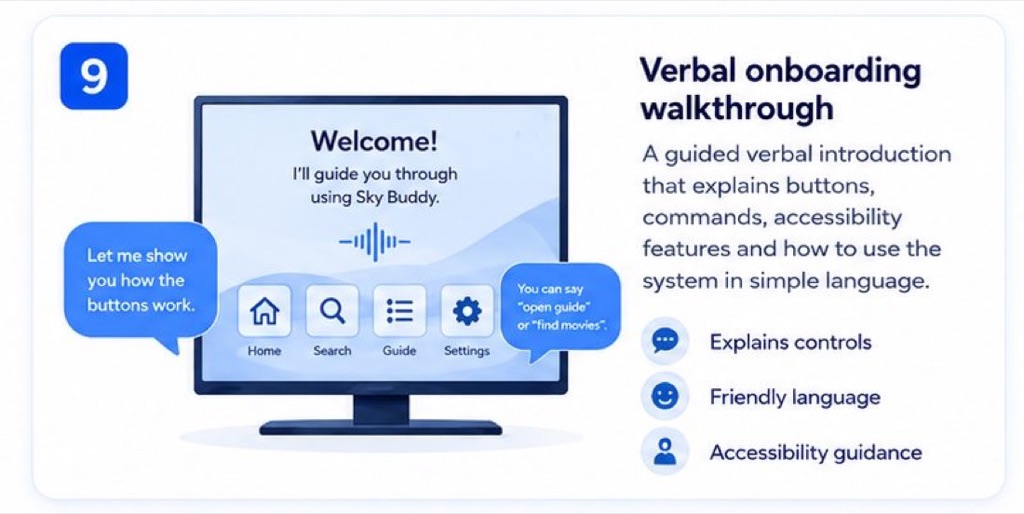
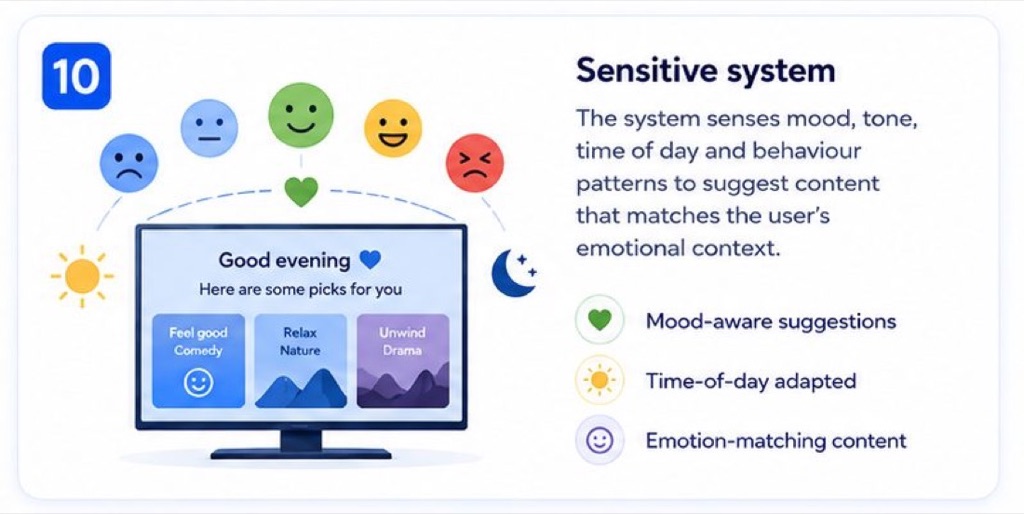
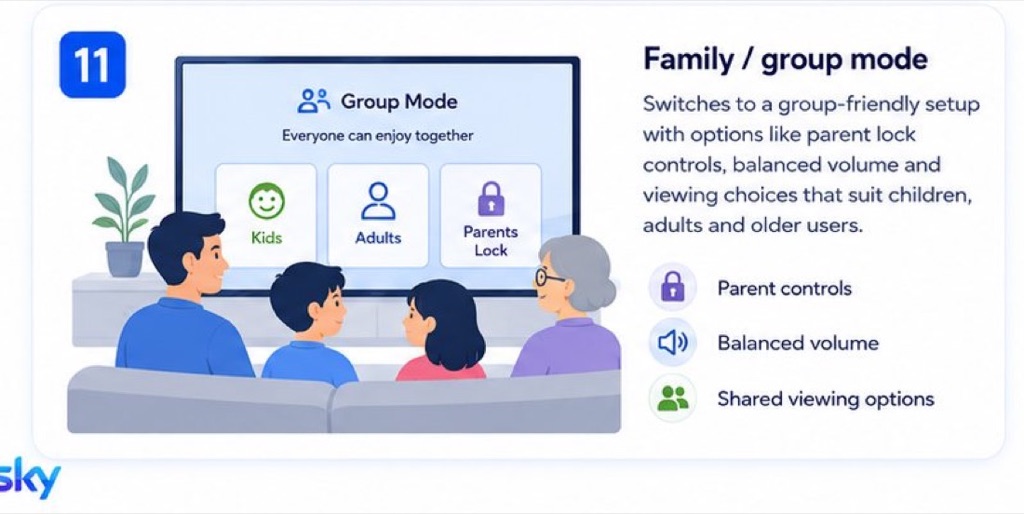
Trainer mode. A voice companion. A calm profile. Proximity zones. Group watching. I drew and wrote out every idea before designing anything, so the weak ones could be thrown away cheaply. They're deliberately rough. A rough sketch invites criticism, a polished one invites agreement.
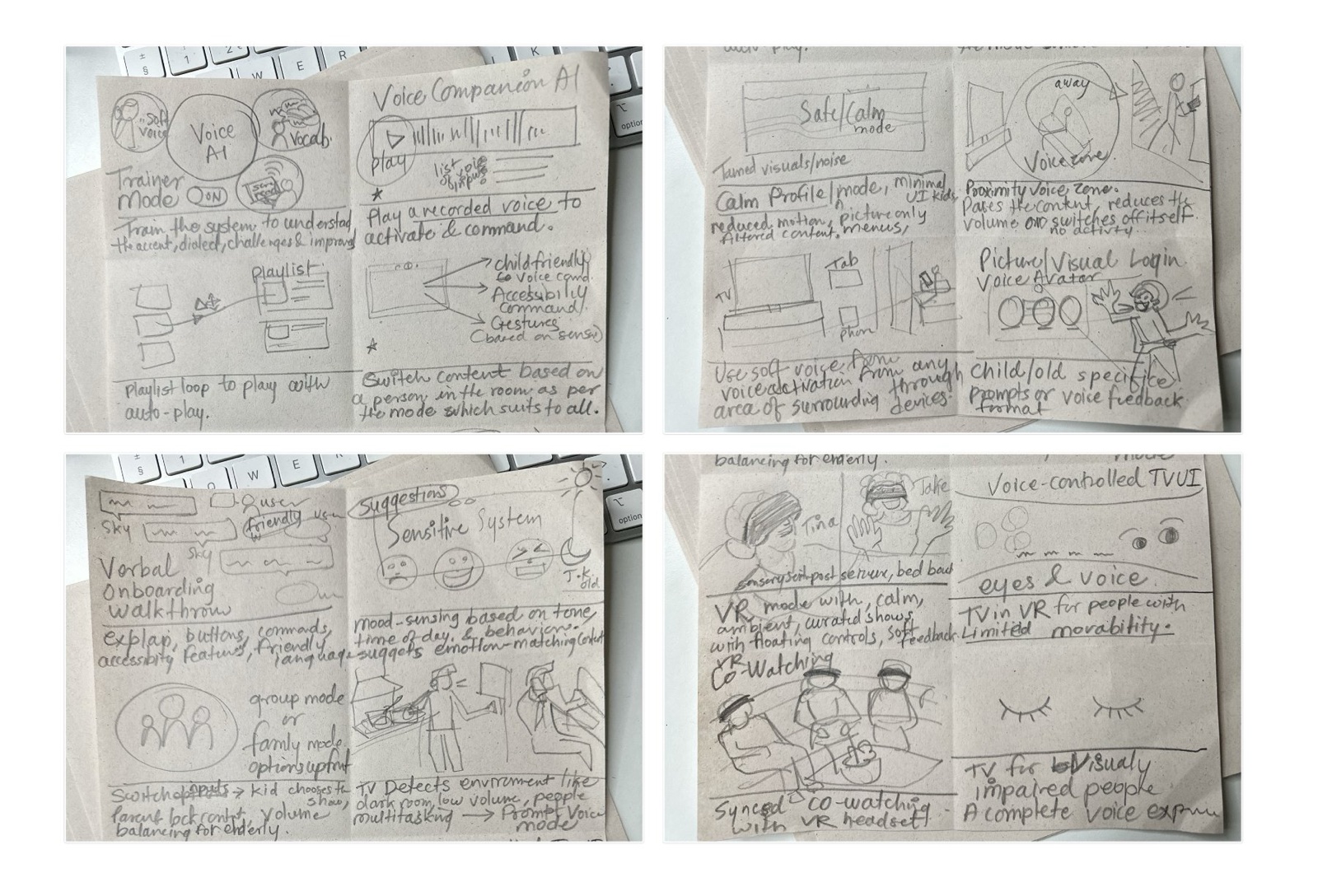
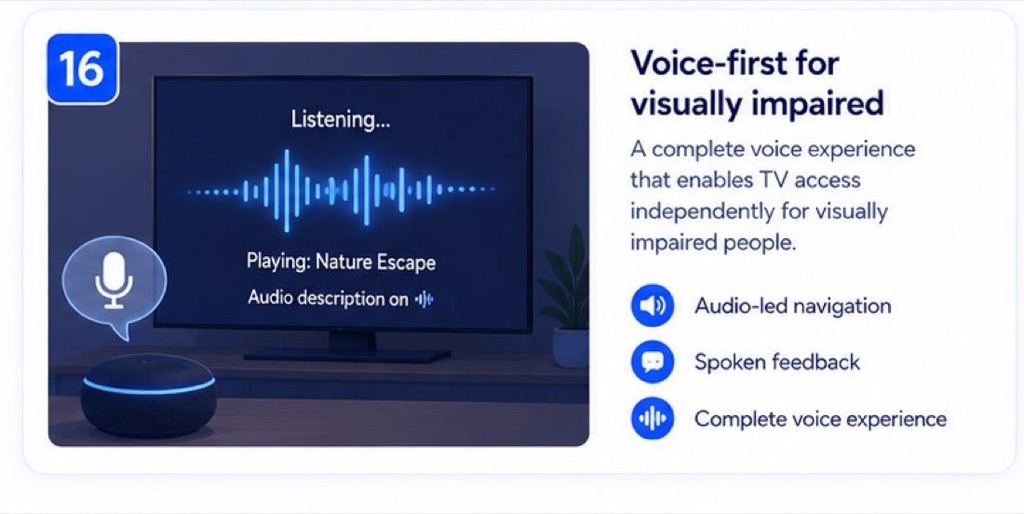
Voice-first ideas first, then quieter ambient ones, then ideas about guidance and mood and who else is in the room, and finally the more immersive ones. Click any sketch to open it full size.
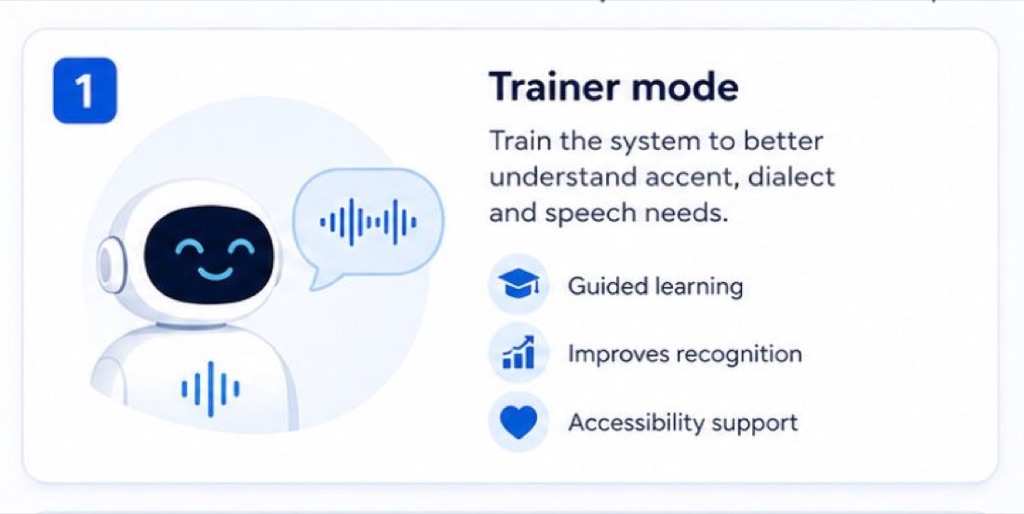
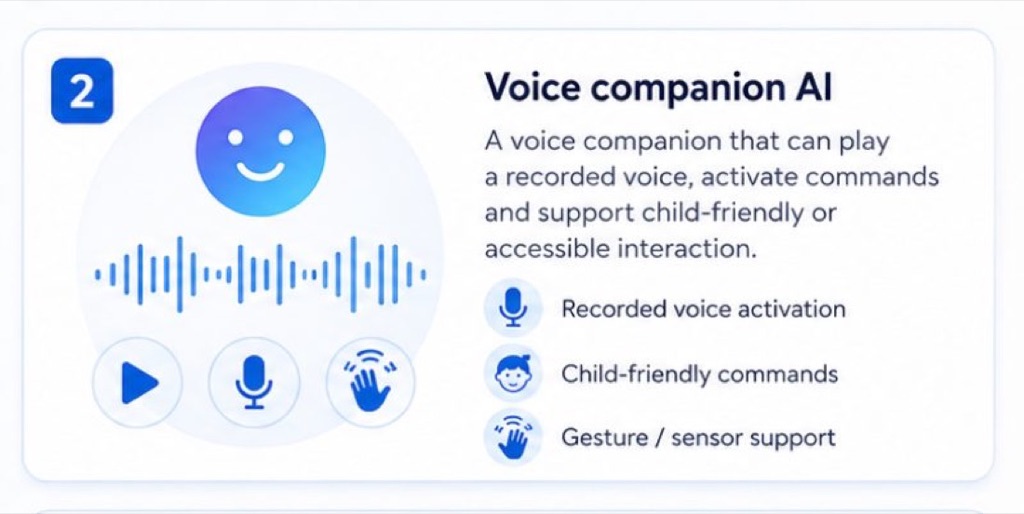
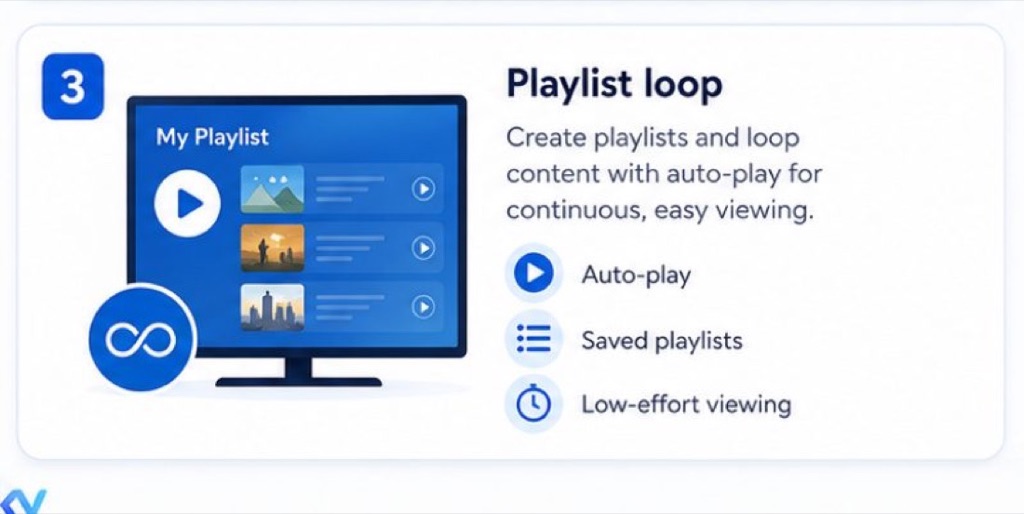
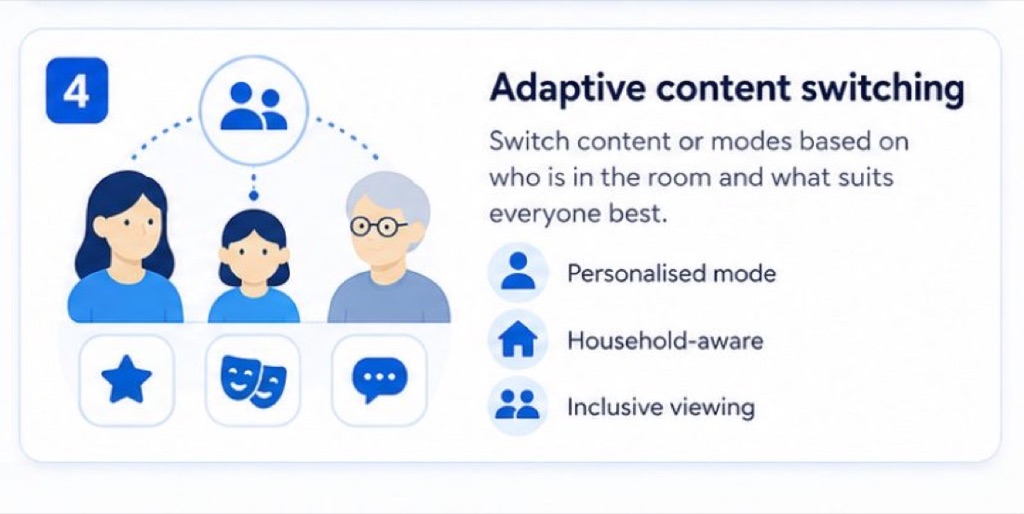
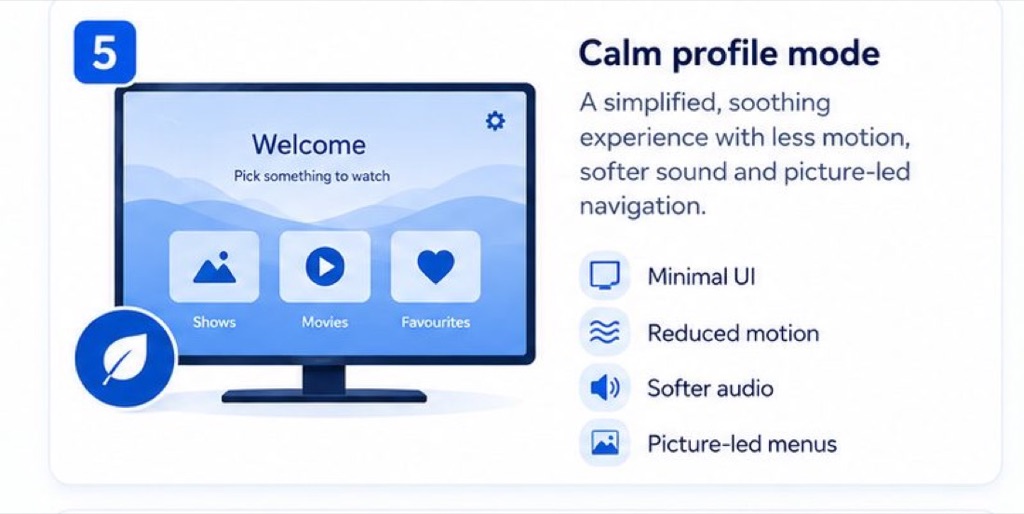
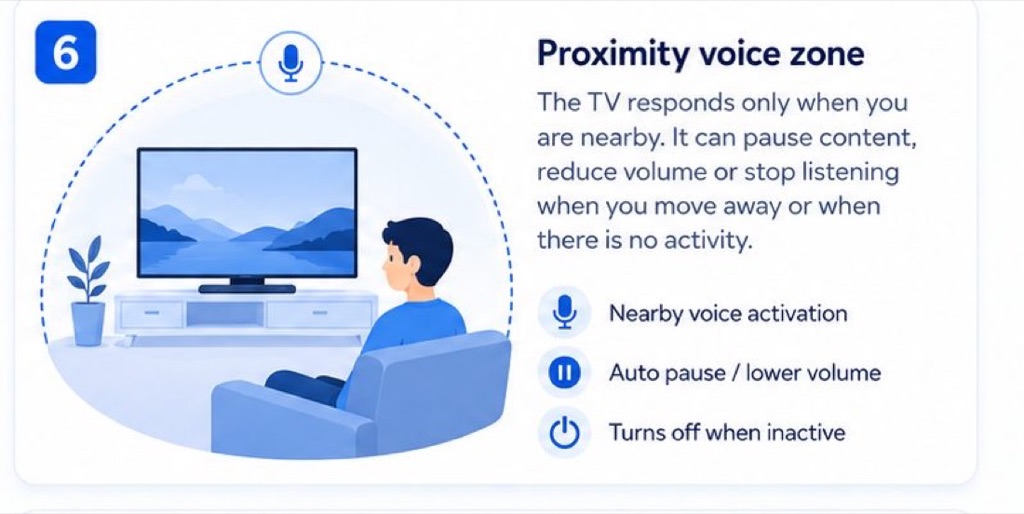
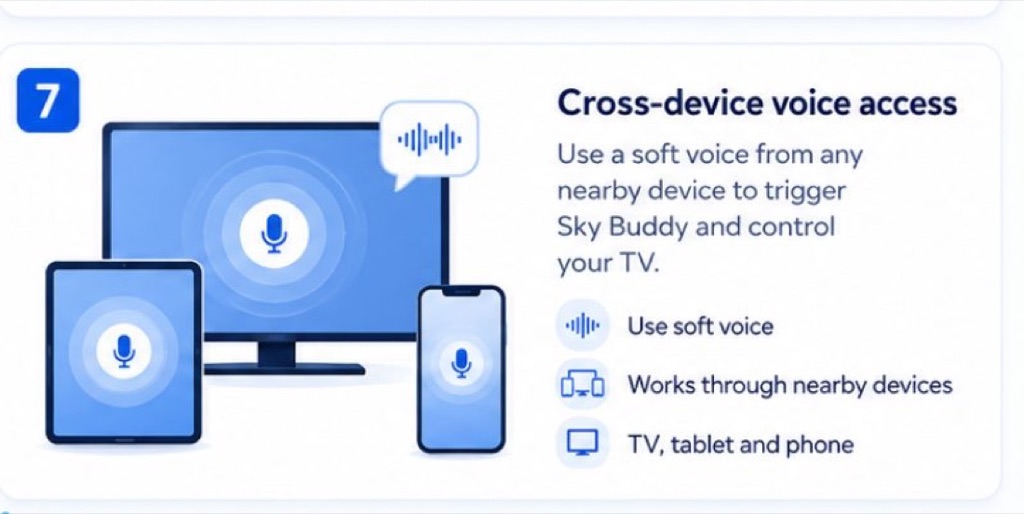
Grey on purpose. At this stage the questions were about order and wording, not colour: does the setup explain itself, is the voice-profile step worth the effort, does anyone understand what "repeat after me" is for.
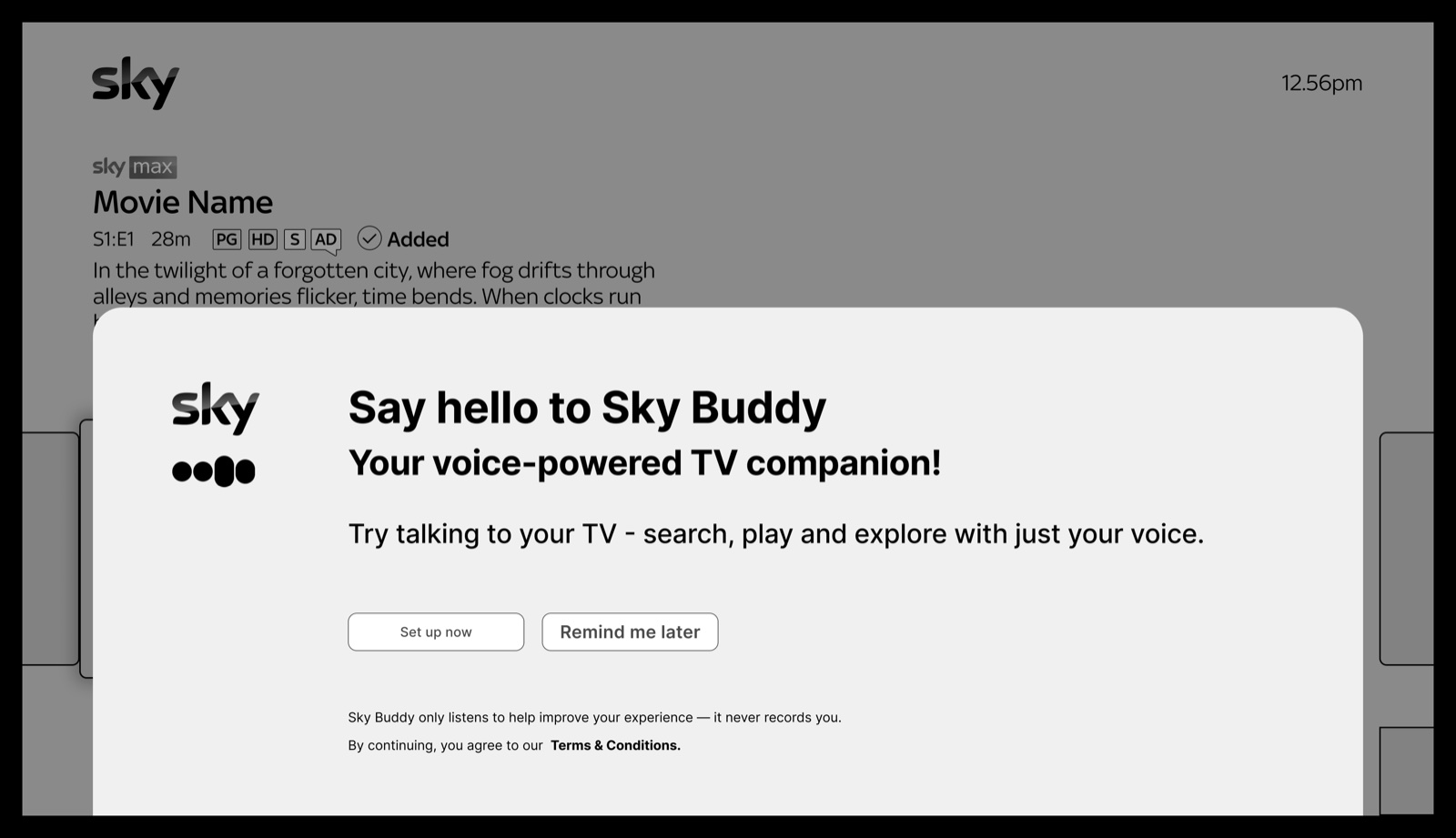
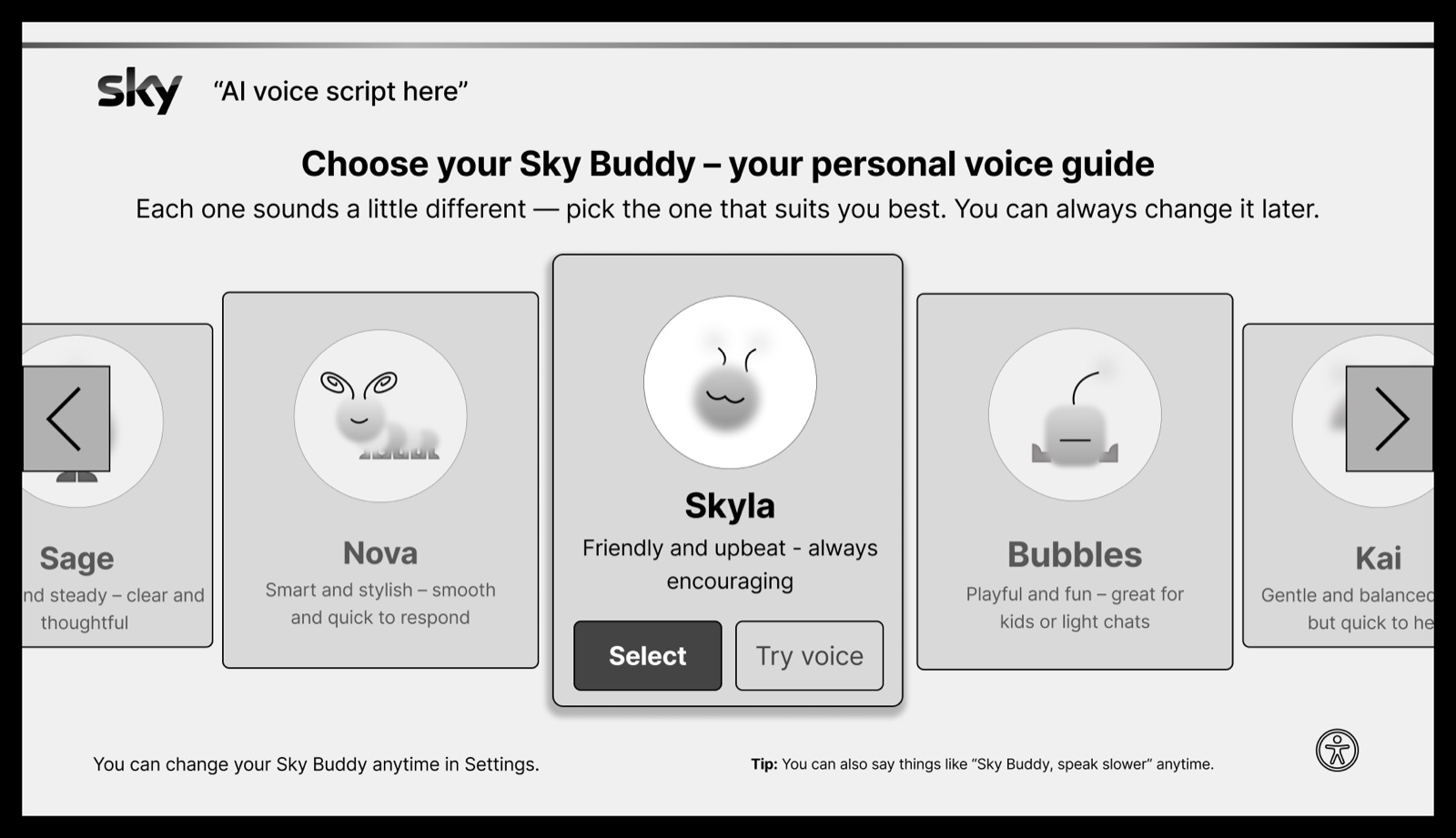
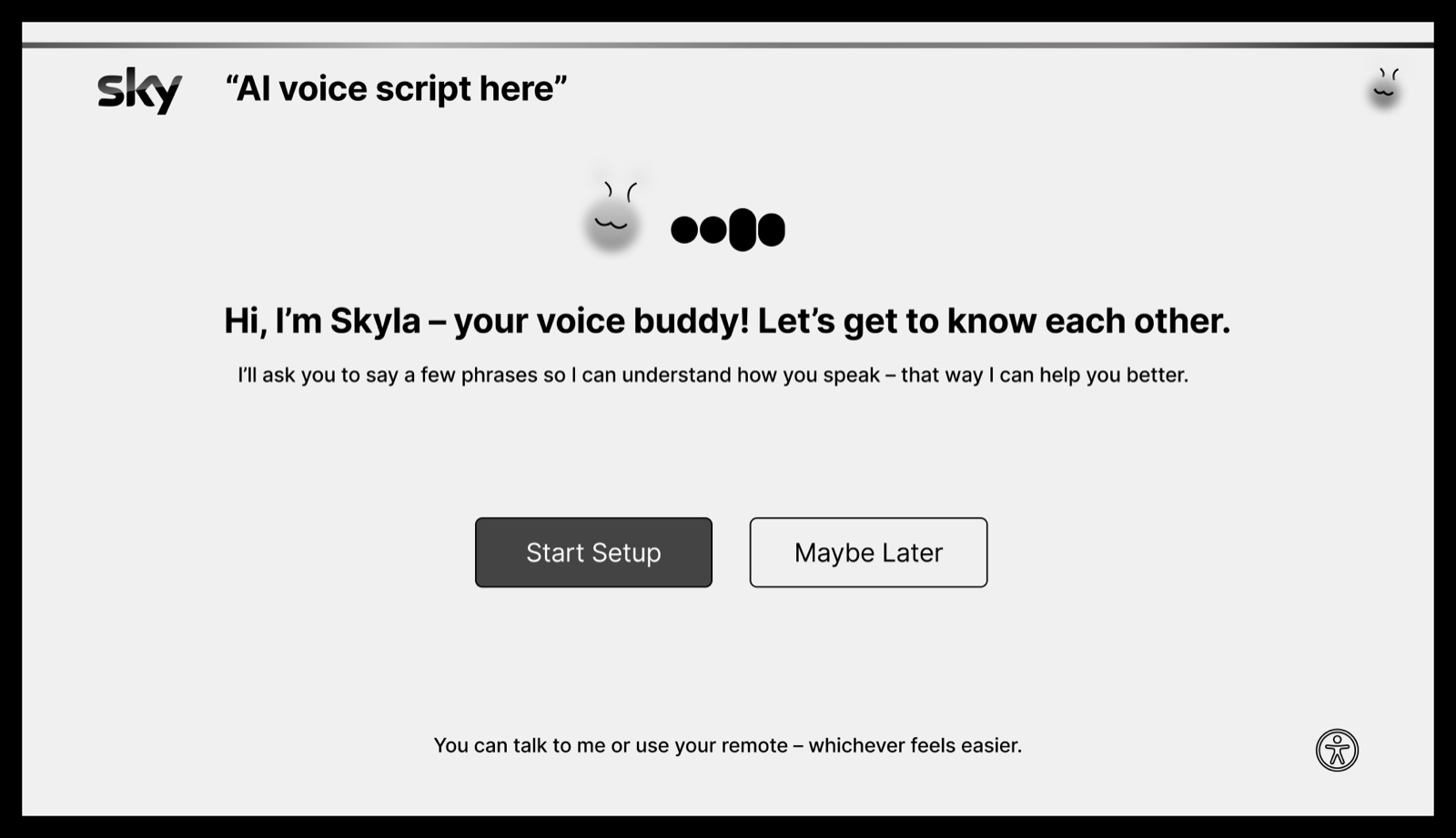
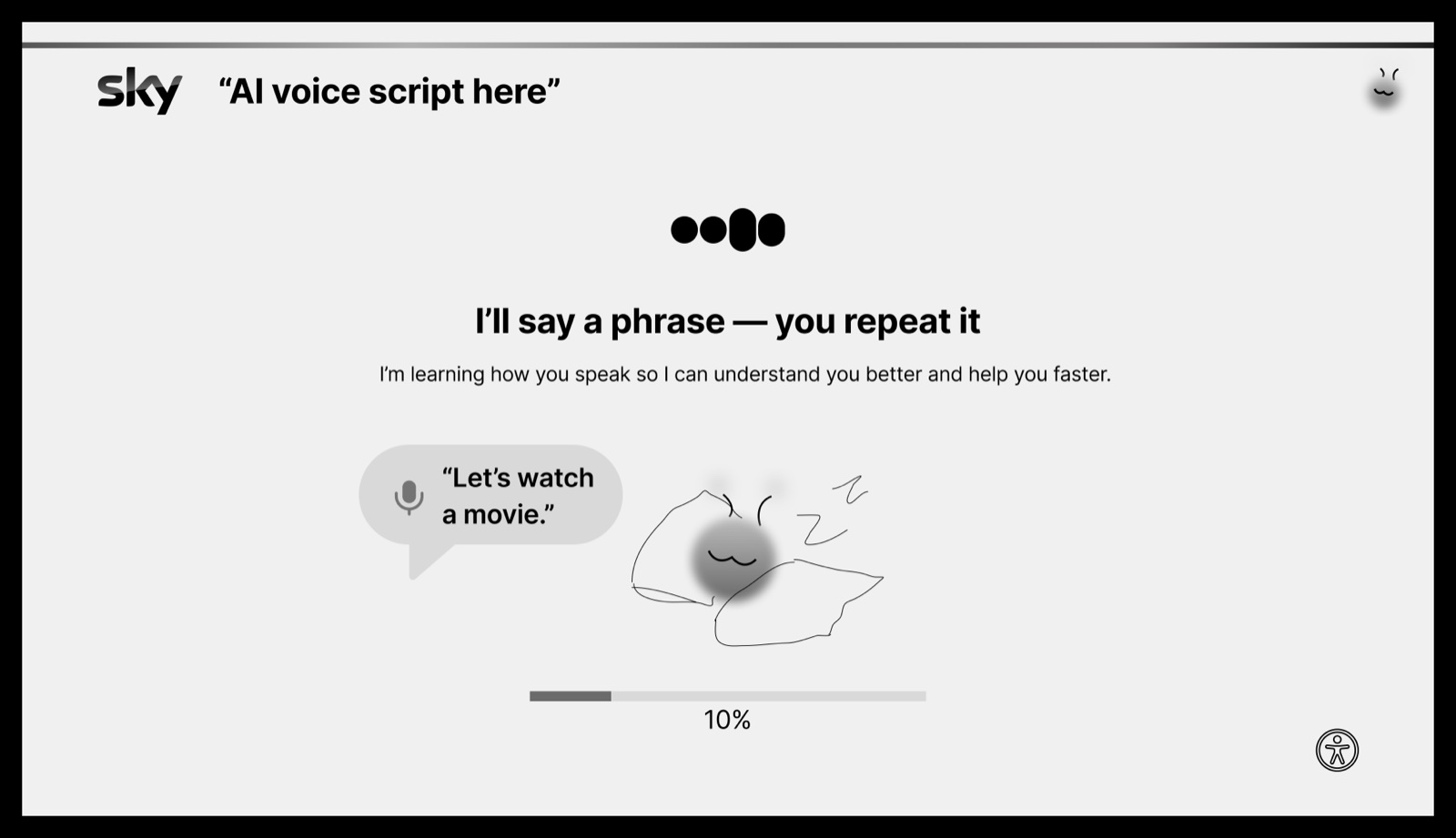
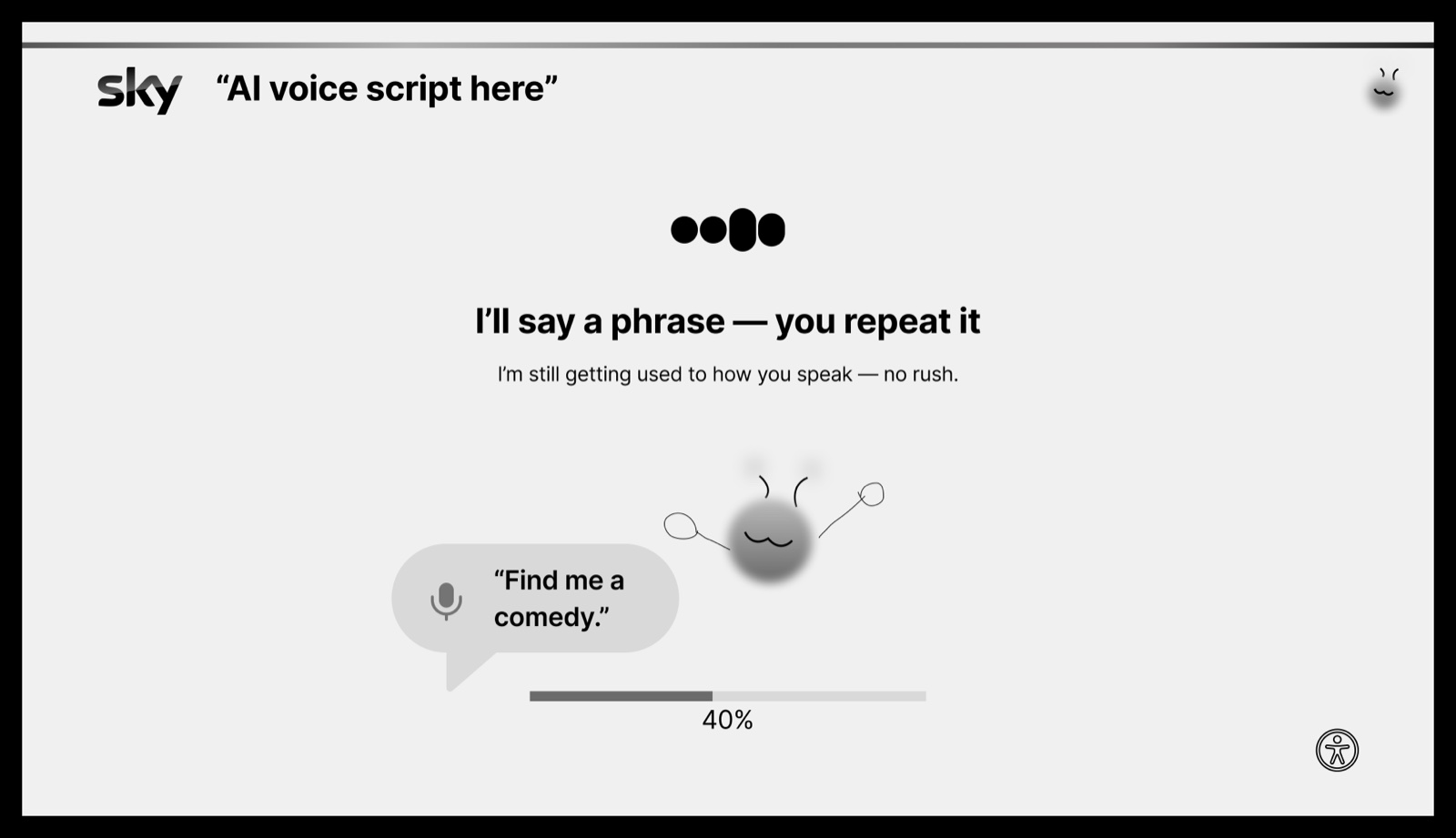
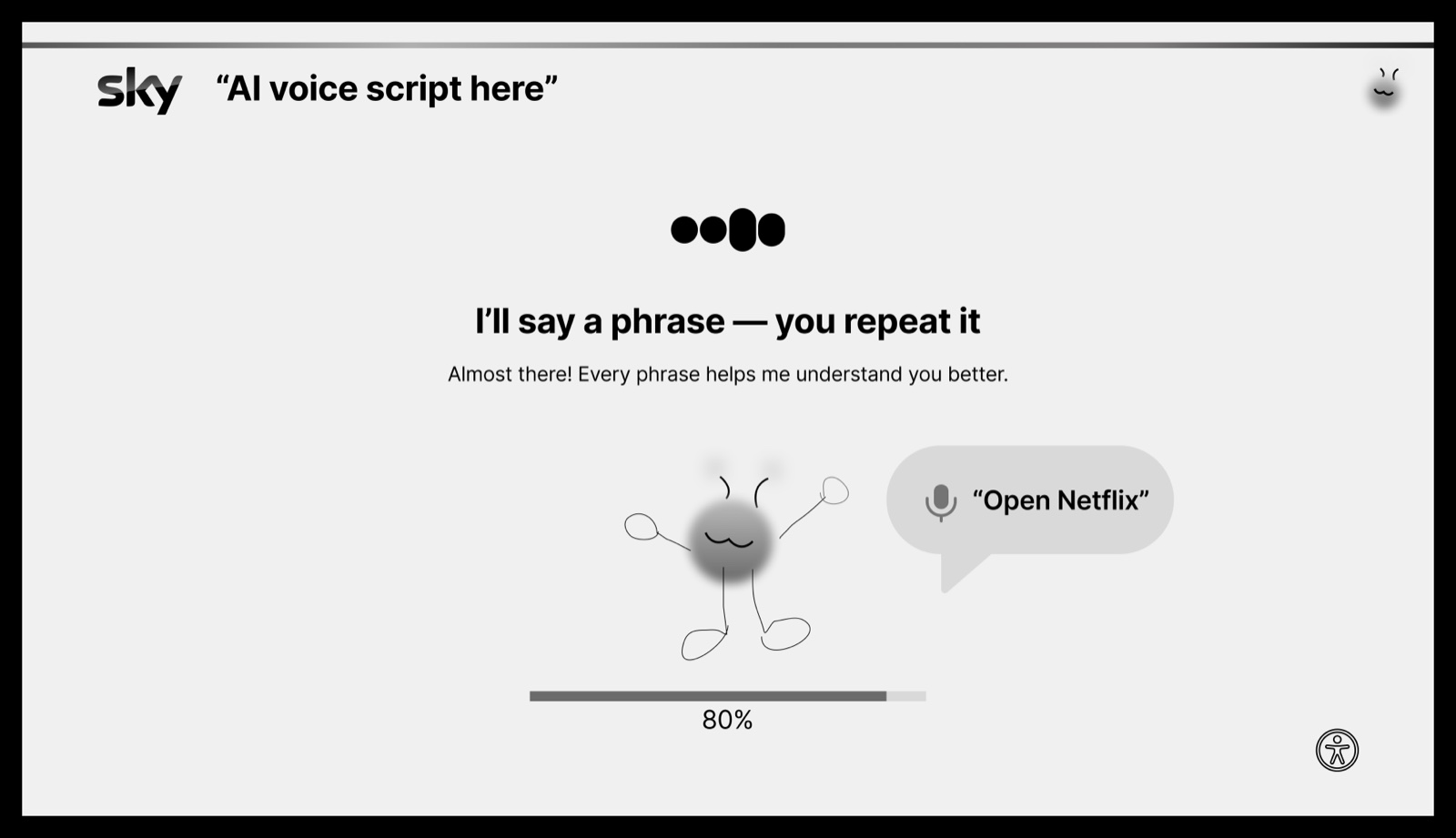
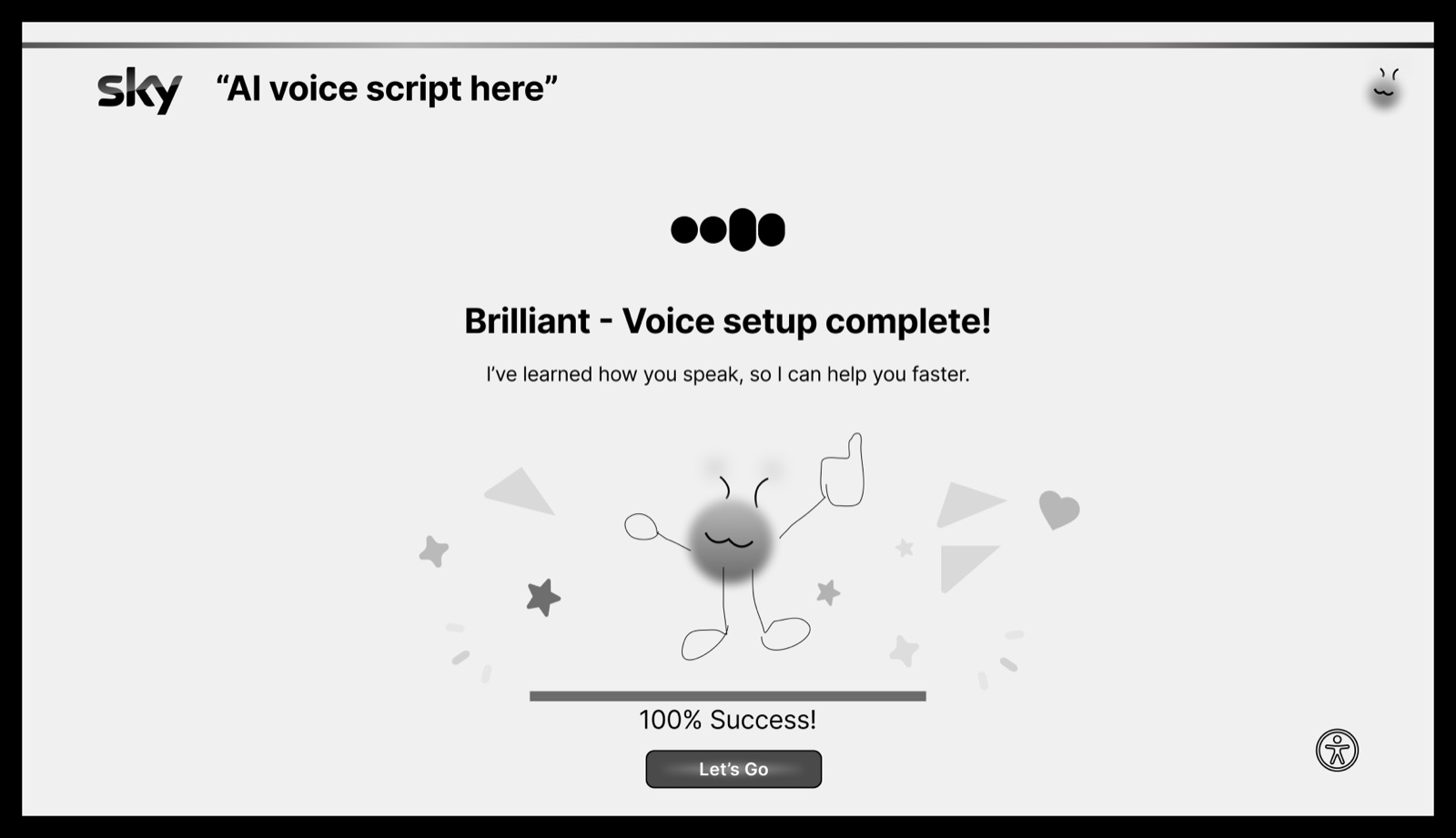
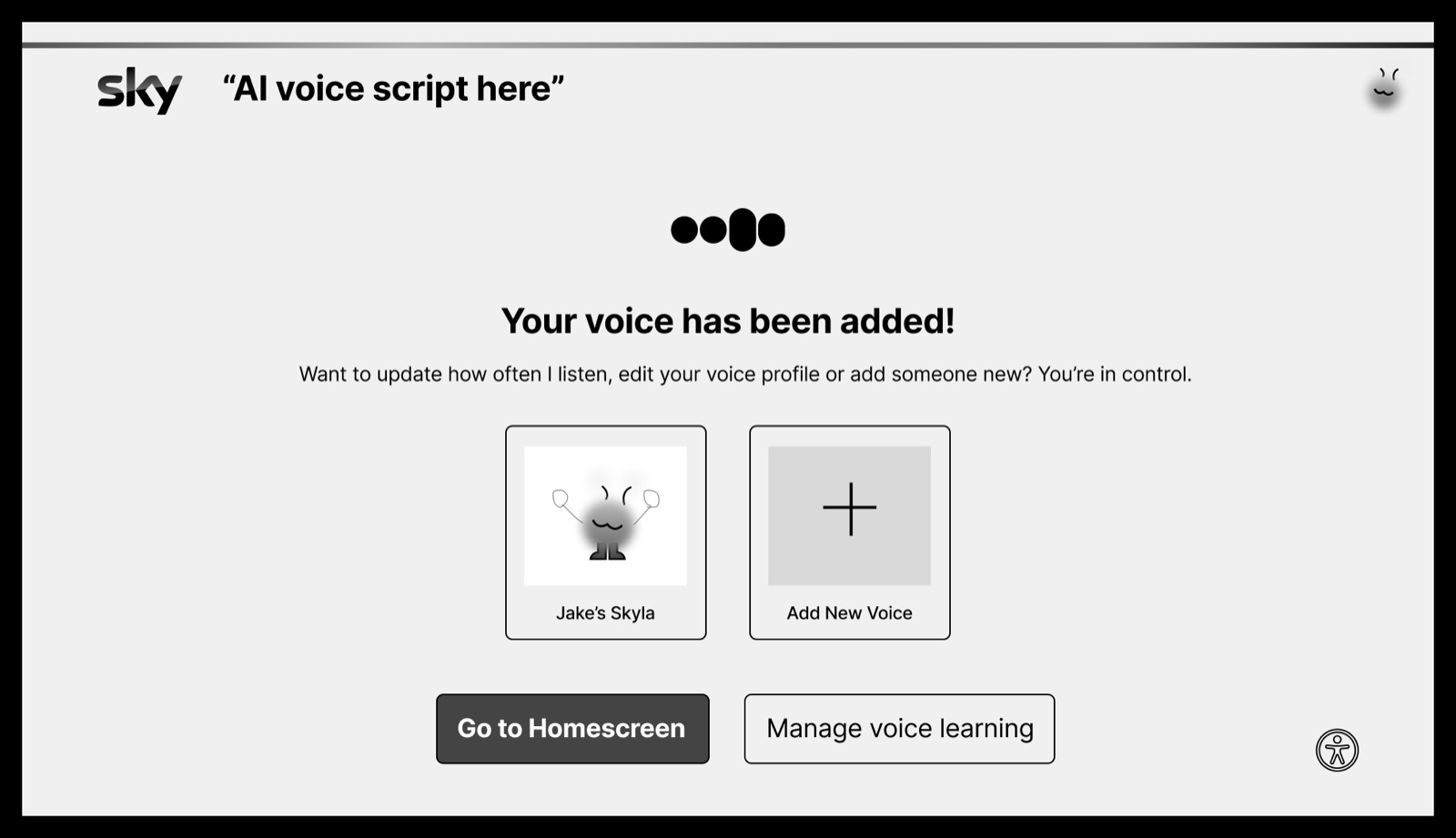
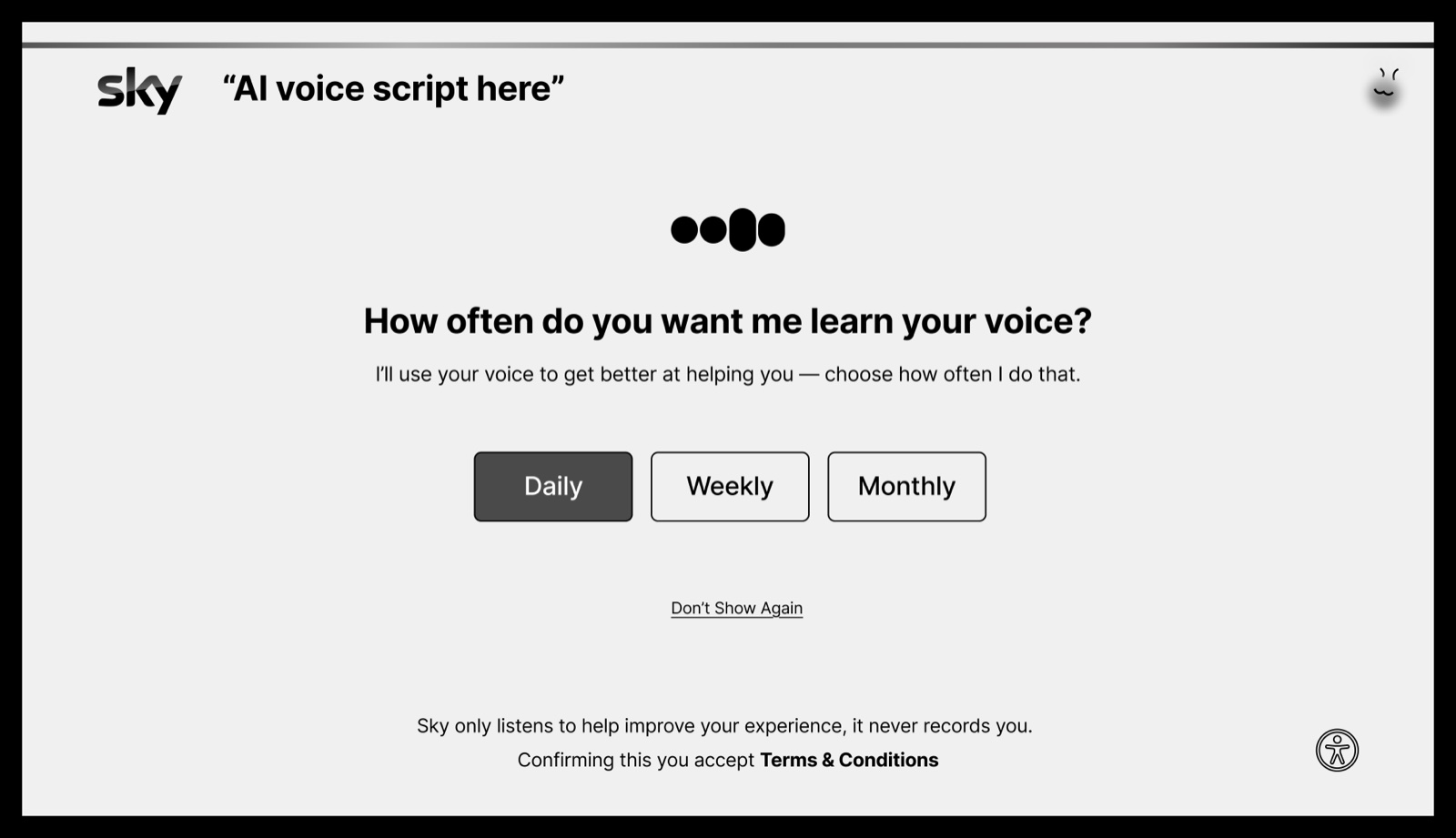
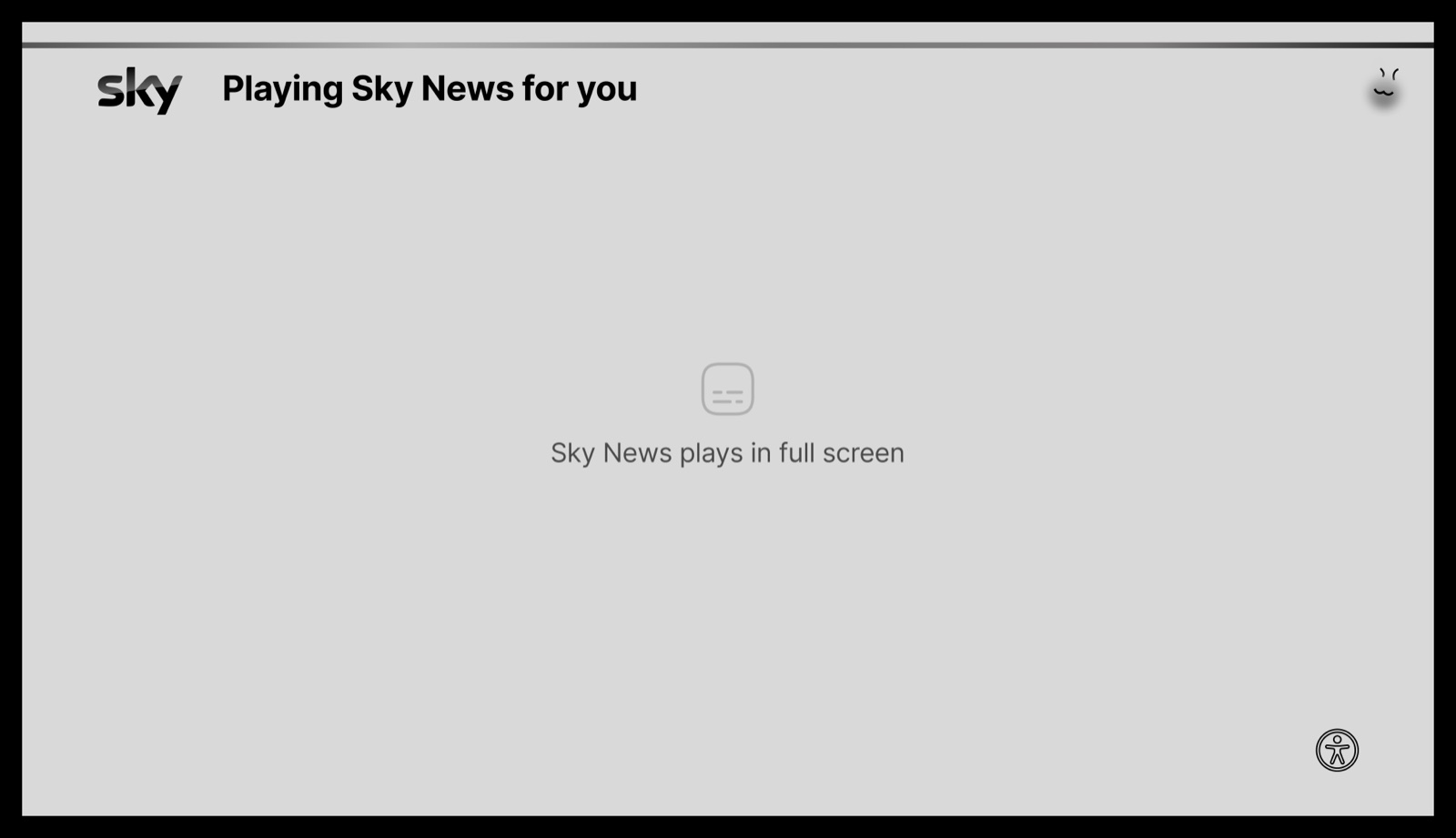
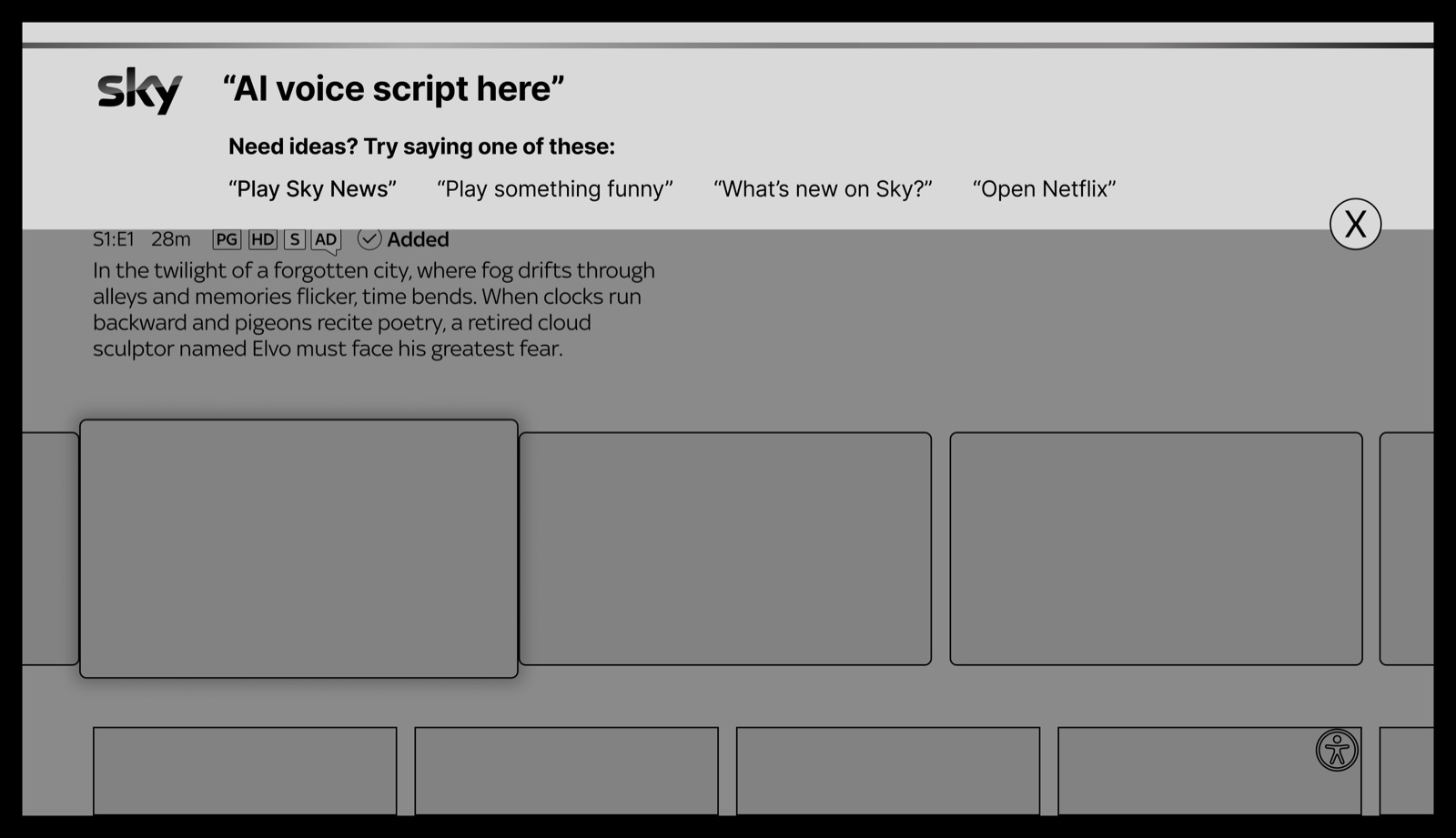
The whole voice setup, end to end: meet your buddy, teach it your voice, then ask it for something.
Sky's own type and colour, the buddy given a face, and the whole thing put on an actual television to see whether it still read from across a room.
Design for the edges and everyone gets something. The same voice-first design that frees someone with no use of their hands also helps a parent holding a sleeping baby. Access was the starting point here, not a box ticked at the end.
The whole thing running, start to finish.